
Do-It-YourSelf - Getting Started





In order to get the most out of this website, we only ask you at first to make 2 choices:
The first is to self-identify your “level” with regards to DCC-EX.
If you have not chosen whether you are a Conductor, Tinkerer, or Engineer, please go to Ready-to-Run or Do-It-Yourself - Choose your Level before proceeding further.Your next choice will be whether you want to choose the “Ready-To-Run” (RTR) path or the “Do-It-Yourself” (DIY) path.
You are here on the DIY path where you will build your own command station from parts including Arduino, ESP32, or STM32 boards. If you meant to choose the Ready-To-Run route using an EX‑CommandStation / Booster One Express, then please go to Ready-To-Run - Getting Started. If you need a definition of what an EX-CommandStation is, please see What is EX-CommandStation?.
The following pages will instruct you on how to build an EX‑CommandStation including assembling your hardware, installing software, and running your first train. After that, we will provide examples for how the base system can be extended and upgraded.
The Components of a Full System
To actually run your model railroad you will need a few items:
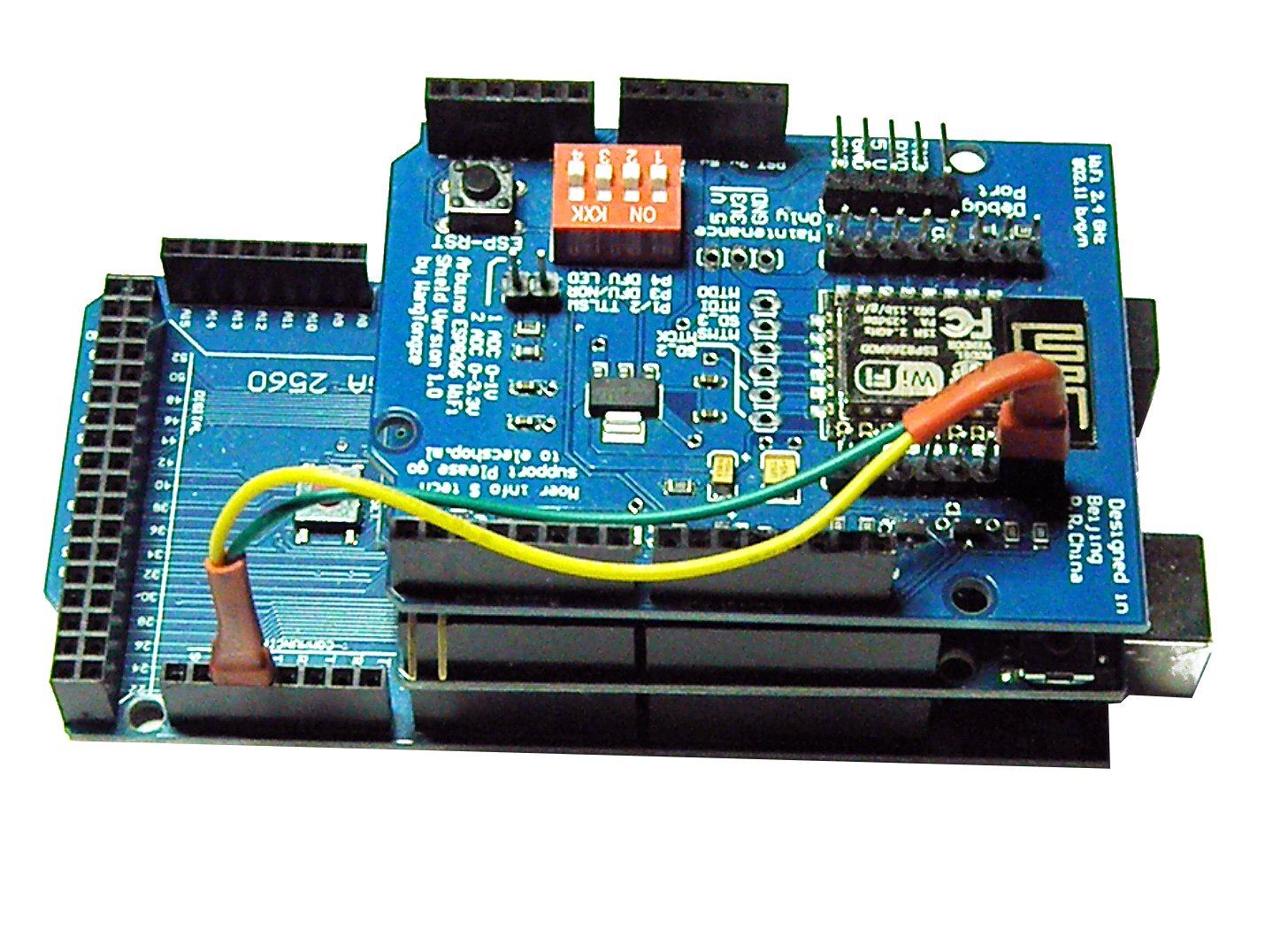
a EX‑CommandStation - This consists of:
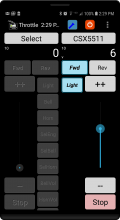
a Throttle (Controller) - Something to control your trains with.
Such as our EX‑WebThrottle, or other apps like JMRI, Engine Driver, wiThrottle, etc.Power - The Arduino and the Motor shields need to be powered separately, so
a 9-14v DC power supply for the motor shield to the track, and
a 5-9v DC power supply for the Arduino
a “Main” track, aka “Operations” track - most people already have this: it’s your layout!
a “Programming” track, aka “Service” track - an isolated short section of track that you will use to program locomotives
a Train - Specifically, a locomotive equipped with a DCC decoder (either a standard or sound decoder). Ideally, it should be a loco already proven to work on DCC. Otherwise, if you have a problem, you may not be able to tell if the problem is the decoder or the EX-CommandStation
Next Steps - Purchasing Parts
See the Purchasing Parts page or click the ‘Next’ button to see what you need to acquire to create your EX‑CommandStation.